
Stöbern
genialokal zum Startbildschirm hinzufügen
Installieren Sie die genialokal App auf Ihrem Startbildschirm für einen schnellen Zugriff und eine komfortable Nutzung.
Installieren Sie die genialokal App auf Ihrem Startbildschirm für einen schnellen Zugriff und eine komfortable Nutzung.
Tippen Sie einfach auf Teilen:
 Und dann auf "Zum Home-Bildschirm [+]".


Bei genialokal.de kaufen Sie online bei Ihrer lokalen, inhabergeführten Buchhandlung!

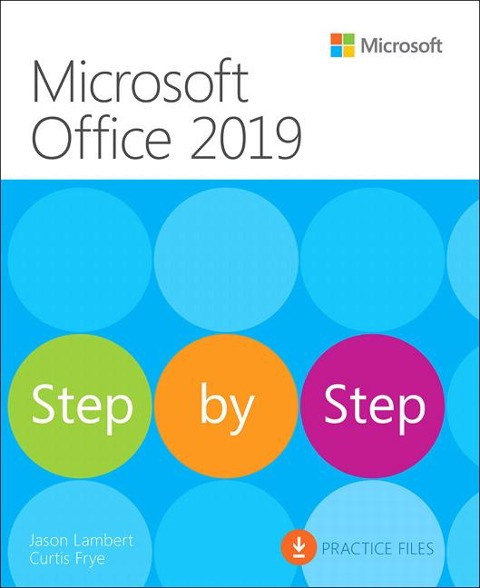
This is learning made easy. Get more done quickly with Office 2019. Jump in wherever you need answers - brisk lessons and colorful screenshots show you exactly what to do, step by step. - Covers Word, Excel, PowerPoint and Outlook - Format Word documents for maximum visual impact - Build powerful, reliable Excel workbooks for analysis and reporting - Prepare highly effective PowerPoint presentations - Use Outlook to organize your email, calendar, and contacts - Includes downloadable practice files
Introduction Part 1: Microsoft Office 2019 Chapter 1: Explore Office 2019 Chapter 2: Create and manage files Part 2: Microsoft Word 2019 Chapter 3: Modify the structure and appearance of text Chapter 4: Collaborate on documents Chapter 5: Merge data with documents and labels Part 3: Microsoft Excel 2019 Chapter 6: Perform calculations on data Chapter 7: Manage worksheet data Chapter 8: Reorder and summarize data Chapter 9: Analyze alternative data sets Part 4: Microsoft PowerPoint 2019 Chapter 10: Create and manage slides Chapter 11: Insert and manage simple graphics Chapter 12: Add sound and movement to slides Part 5: Microsoft Outlook 2019 Chapter 13: Send and receive email messages Chapter 14: Organize your Inbox Chapter 15: Manage scheduling