
Stöbern
genialokal zum Startbildschirm hinzufügen
Installieren Sie die genialokal App auf Ihrem Startbildschirm für einen schnellen Zugriff und eine komfortable Nutzung.
Installieren Sie die genialokal App auf Ihrem Startbildschirm für einen schnellen Zugriff und eine komfortable Nutzung.
Tippen Sie einfach auf Teilen:
 Und dann auf "Zum Home-Bildschirm [+]".
Bei genialokal.de kaufen Sie online bei Ihrer lokalen, inhabergeführten Buchhandlung!
Ihr gewünschter Artikel ist in 0 Buchhandlungen vorrätig - wählen Sie hier eine Buchhandlung in Ihrer Nähe aus:

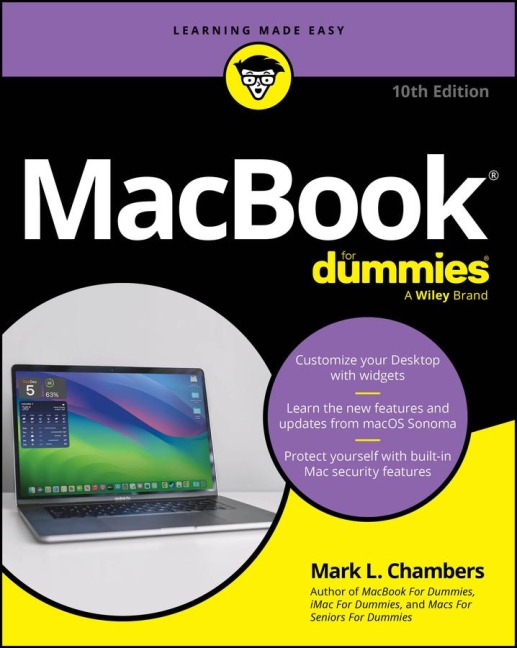
Unpack the power your MacBook® laptop has to offer MacBook Pro and MacBook Air laptops are cooler and more useful than ever, and this beginner-friendly guide shows you how to take full advantage of all the updates and features. MacBook® For Dummies has something for everyone, with the very basics for the new Mac® converts and insider tips for the Mac veterans. Set up your MacBook, navigate macOS, download apps, stay connected, work with iCloud®, create videos-the list goes on and on. With a Dummies guide at your side, you can become a MacBook power user the easy way. Inside... - Personalize your OS - Import files from Mac or Windows® - Master the Control Center - Manage your iCloud storage - Survive without external drives - FaceTime with everyone you know - Edit your photos and videos - Troubleshoot like a pro
Mark L. Chambers has been an author, computer consultant, and programmer for decades. He has written over 30 computer books, including MacBook® For Dummies, 9th Edition, Macs For Seniors For Dummies, 4th Edition, and iMac For Dummies, 10th Edition. Mark is currently a full-time author and tech editor-and an unabashed Mac fan.
Introduction 1 Part 1: Tie Myself Down with a Desktop? Preposterous! 5 Chapter 1: Hey, It Really Does Have Everything I Need 7 Chapter 2: Turning On Your Portable Powerhouse 27 Chapter 3: The MacBook Owner's Introduction to macOS Sonoma 39 Part 2: Shaking Hands with macOS Sonoma 83 Chapter 4: What's New in Sonoma? 85 Chapter 5: A Nerd's Guide to System Settings 91 Chapter 6: Searching Amidst MacBook Chaos 117 Chapter 7: Using Reminders, Notes, Notifications, Maps, and News 127 Part 3: Connecting and Communicating 145 Chapter 8: Let's Go on Safari! 147 Chapter 9: Expanding Your Horizons with iCloud 169 Chapter 10: Creating a Multiuser MacBook 177 Chapter 11: Working Well with Networks 197 Chapter 12: Hooking Up with Your World 215 Part 4: Living the iLife 223 Chapter 13: The Multimedia Joys of Music and TV 225 Chapter 14: Focusing on Photos 247 Chapter 15: Making Film History with iMovie 267 Chapter 16: Recording Your Hits with GarageBand 289 Part 5: Getting Productive and Maintaining Your MacBook 307 Chapter 17: Desktop Publishing with Pages 309 Chapter 18: Creating Spreadsheets with Numbers 323 Chapter 19: Building Presentations with Keynote 341 Chapter 20: When Good Mac Laptops Go Bad 355 Chapter 21: Tackling the Housekeeping 369 Part 6: The Part of Tens 383 Chapter 22: Ten (Plus) Laptop Rules to Follow 385 Chapter 23: Ten Things to Avoid Like the Plague 395 Index 403