Und dann auf "Zum Home-Bildschirm [+]".

Stöbern
genialokal zum Startbildschirm hinzufügen
Installieren Sie die genialokal App auf Ihrem Startbildschirm für einen schnellen Zugriff und eine komfortable Nutzung.
Installieren Sie die genialokal App auf Ihrem Startbildschirm für einen schnellen Zugriff und eine komfortable Nutzung.
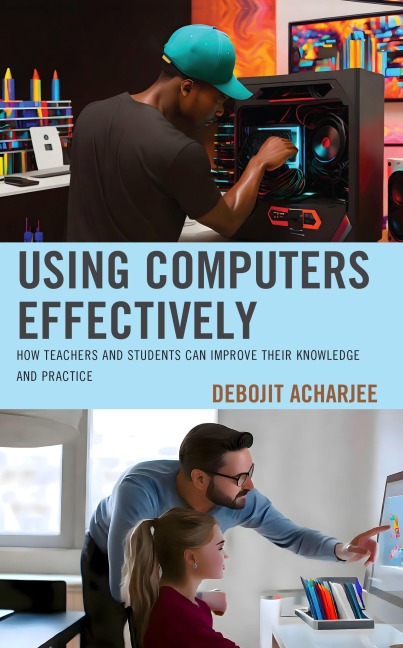
What we can do today with computers was not possible a few decades ago. As the price versus computing power of desktop computers became reasonable, using a desktop computer for everyday use has become possible for everyone. There was a time when there wasn't much internet speed and computing power to do much like HD gaming and video streaming, which have become as easy as pie these days.
That's why this book was written in such a way that it will give overall knowledge about today's computer technology and how it can be used for education . This book contains all the fundamentals related to computer hardware and software that could be useful for almost anyone who is interested in learning computers. However, the last chapter of this book is mainly for students and teachers. The last chapter gives information about using various types of apps and internet resources for doing homework and teaching.
Debojit Acharjee is a computer professional and also a computer enthusiast. He is also a writer and has written many articles on computer technologies like Artificial Intelligence (AI), blockchain, DevOps, Python, etc.
You can follow the author on Twitter @debojitacharjee
Chapter 1: What's a Computer?
Chapter 2: What's Hardware and Software?
Chapter 3: What's a CPU?
Chapter 4: What's a GPU?
Chapter 5: What's Computer Memory?
Chapter 6: What Are Computer I/O Devices?
Chapter 7: What's an Operating System (OS)?
Chapter 8: What's Application Software?
Chapter 9: What's a Computer Network?
Chapter 10: What's the Internet?
Chapter 11: How to Choose a Computer?
Chapter 12: How to Buy a Computer?
Chapter 13: How to Build a Computer?
Chapter 14: How to Install OS and Apps on a Computer?
Chapter 15: How to Use a Computer for Homework?
Chapter 16: How to Use a Computer for Homework and Teaching?
Dieses eBook wird im PDF-Format geliefert und ist mit einem Adobe Kopierschutz (DRM) versehen. Sie können dieses eBook mit allen Geräten lesen, die das PDF-Format und den Adobe Kopierschutz (DRM) unterstützen.
Zum Beispiel mit den folgenden Geräten:
• tolino Reader
Laden Sie das eBook direkt über den Reader-Shop auf dem tolino herunter oder übertragen Sie das eBook auf Ihren tolino mit einer kostenlosen Software wie beispielsweise Adobe Digital Editions.
• Sony Reader & andere eBook Reader
Laden Sie das eBook direkt über den Reader-Shop herunter oder übertragen Sie das eBook mit der kostenlosen Software Sony READER FOR PC/Mac oder Adobe Digital Editions auf ein Standard-Lesegeräte mit epub- und Adobe DRM-Unterstützung.
• Tablets & Smartphones
Möchten Sie dieses eBook auf Ihrem Smartphone oder Tablet lesen, finden Sie hier unsere kostenlose Lese-App für iPhone/iPad und Android Smartphone/Tablets.
• PC & Mac
Lesen Sie das eBook direkt nach dem Herunterladen mit einer kostenlosen Lesesoftware, beispielsweise Adobe Digital Editions, Sony READER FOR PC/Mac oder direkt über Ihre eBook-Bibliothek in Ihrem Konto unter „Meine eBooks“ - „online lesen“.
Schalten Sie das eBook mit Ihrer persönlichen Adobe ID auf bis zu sechs Geräten gleichzeitig frei.
Bitte beachten Sie, dass die Kindle-Geräte das Format nicht unterstützen und dieses eBook somit nicht auf Kindle-Geräten lesbar ist.