Und dann auf "Zum Home-Bildschirm [+]".

Stöbern
genialokal zum Startbildschirm hinzufügen
Installieren Sie die genialokal App auf Ihrem Startbildschirm für einen schnellen Zugriff und eine komfortable Nutzung.
Installieren Sie die genialokal App auf Ihrem Startbildschirm für einen schnellen Zugriff und eine komfortable Nutzung.

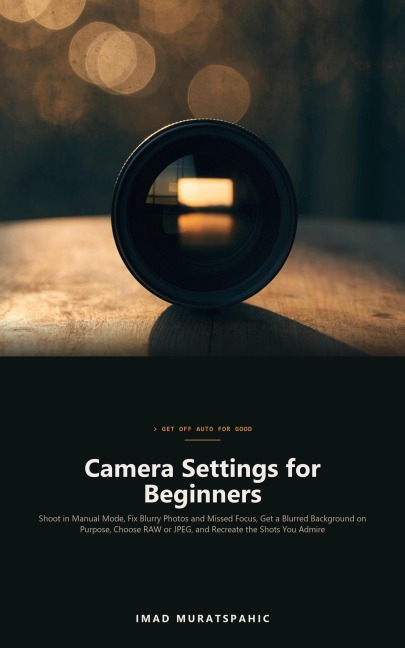

You bought a real camera so your photos would look better than your phone's. Instead, the birthday candles came out blurry, the soccer shots smeared, the background you wanted soft stayed stubbornly sharp, and the camera focused on the fence instead of the animal behind it. So the dial went back to Auto, and the same question came back every time you saw a photo you loved: how did they do that? Camera Settings for Beginners takes you off Auto one decision at a time. You will learn what shutter speed, aperture, ISO, and autofocus each decide about a picture, how to trade one for another in simple stops, and which semi-automatic setup lets the camera handle the busywork while you keep control of what matters in the shot. This is not a manual for one camera model, a composition book, or a software tutorial. It works with any mirrorless or DSLR camera that has manual modes, and it is built around the problems beginners actually ask about: photos that are blurry even with a fast shutter, two things in focus or not enough in focus, backgrounds that won't blur, years of JPEGs, memory cards used as storage, and RAW files that look flat. Inside, you'll learn: The exposure triangle in stops, and how to read the settings Auto chose for your failed shots The shutter speeds that freeze kids, pets, sports, and birds, and how to steady your hands How depth of field really works, and the four levers that blur a background on purpose Why full manual is a tool rather than a badge, and an aperture-priority and Auto ISO setup that stops you missing moments Autofocus modes, eye detection, and whether back-button focus is worth it for the way you shoot A step-by-step test that tells you exactly why a photo came out blurry RAW vs JPEG without the panic, a simple backup routine, and an edit order that makes flat RAW files look finished How to break down any photo you admire into its light, lens, depth, motion, position, and edit, and then recreate it You don't need a new camera. You need to know what the one in your hands is deciding. Turn the dial off Auto, open Chapter 1, and take the photo you've been missing.
Imad Muratspahic is an independent author of practical how-to guides, technical handbooks, history and fiction. The books aim to be clear, honest and useful from the first page.