Und dann auf "Zum Home-Bildschirm [+]".

Stöbern
genialokal zum Startbildschirm hinzufügen
Installieren Sie die genialokal App auf Ihrem Startbildschirm für einen schnellen Zugriff und eine komfortable Nutzung.
Installieren Sie die genialokal App auf Ihrem Startbildschirm für einen schnellen Zugriff und eine komfortable Nutzung.
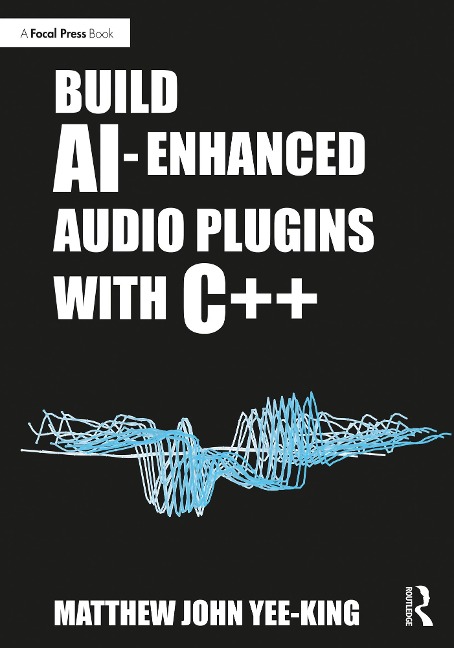
Build AI-Enhanced Audio Plugins with C++ explains how to embed artificial intelligence technology inside tools that can be used by audio and music professionals, through worked examples using Python, C++ and audio APIs which demonstrate how to combine technologies to produce professional, AI-enhanced creative tools. Alongside a freely accessible source code repository created by the author that accompanies the book for readers to reference, each chapter is supported by complete example applications and projects, including an autonomous music improviser, a neural network-based synthesizer meta-programmer and a neural audio effects processor. Detailed instructions on how to build each example are also provided, including source code extracts, diagrams and background theory. This is an essential guide for software developers and programmers of all levels looking to integrate AI into their systems, as well as educators and students of audio programming, machine learning and software development.
Matthew John Yee-King is a professor in the department of computing at Goldsmiths, University of London. He is an experienced educator as well as the programme director for the University of London's online BSc Computer Science degree.
Part 1: Getting started 1. Introduction to the book 2. Setting up your development environment 3. Installing JUCE 4. Installing and using CMake 5. Set up libtorch 6. Python setup instructions 7. Common development environment setup problems 8. Basic plugin development 9. FM synthesizer plugin Part 2: ML-powered plugin control: the meta-controller 10. Using regression for synthesizer control 11. Experiment with regression and libtorch 12. The meta-controller 13. Linear interpolating Superknob 14. Untrained Torchknob 15. Training the torchknob 16. Plugin meta-controller 17. Placing plugins in an AudioProcessGraph structure 18. Show a plugin's user interface 19. From plugin host to meta-controller Part 3: The autonomous music improviser 20. Background: all about sequencers 21. Programming with Markov models 22. Starting the Improviser plugin 23. Modelling note onset times 24. Modelling note duration 25. Polyphonic Markov model Part 4: Neural audio effects 26. Welcome to neural effects 27. Finite Impulse Responses, signals and systems 28. Convolution 29. Infinite Impulse Response filters 30. Waveshapers 31. Introduction to neural guitar amplifier emulation 32. Neural FX: LSTM network 33. JUCE LSTM plugin 34. Training the amp emulator: dataset 35. Data shapes, LSTM models and loss functions 36. The LSTM training loop 37. Operationalising the model in a plugin 38. Faster LSTM using RTNeural 39. Guide to the projects in the repository
Dieses eBook wird im PDF-Format geliefert und ist mit einem Adobe Kopierschutz (DRM) versehen. Sie können dieses eBook mit allen Geräten lesen, die das PDF-Format und den Adobe Kopierschutz (DRM) unterstützen.
Zum Beispiel mit den folgenden Geräten:
• tolino Reader
Laden Sie das eBook direkt über den Reader-Shop auf dem tolino herunter oder übertragen Sie das eBook auf Ihren tolino mit einer kostenlosen Software wie beispielsweise Adobe Digital Editions.
• Sony Reader & andere eBook Reader
Laden Sie das eBook direkt über den Reader-Shop herunter oder übertragen Sie das eBook mit der kostenlosen Software Sony READER FOR PC/Mac oder Adobe Digital Editions auf ein Standard-Lesegeräte mit epub- und Adobe DRM-Unterstützung.
• Tablets & Smartphones
Möchten Sie dieses eBook auf Ihrem Smartphone oder Tablet lesen, finden Sie hier unsere kostenlose Lese-App für iPhone/iPad und Android Smartphone/Tablets.
• PC & Mac
Lesen Sie das eBook direkt nach dem Herunterladen mit einer kostenlosen Lesesoftware, beispielsweise Adobe Digital Editions, Sony READER FOR PC/Mac oder direkt über Ihre eBook-Bibliothek in Ihrem Konto unter „Meine eBooks“ - „online lesen“.
Schalten Sie das eBook mit Ihrer persönlichen Adobe ID auf bis zu sechs Geräten gleichzeitig frei.
Bitte beachten Sie, dass die Kindle-Geräte das Format nicht unterstützen und dieses eBook somit nicht auf Kindle-Geräten lesbar ist.