Und dann auf "Zum Home-Bildschirm [+]".

Stöbern
genialokal zum Startbildschirm hinzufügen
Installieren Sie die genialokal App auf Ihrem Startbildschirm für einen schnellen Zugriff und eine komfortable Nutzung.
Installieren Sie die genialokal App auf Ihrem Startbildschirm für einen schnellen Zugriff und eine komfortable Nutzung.

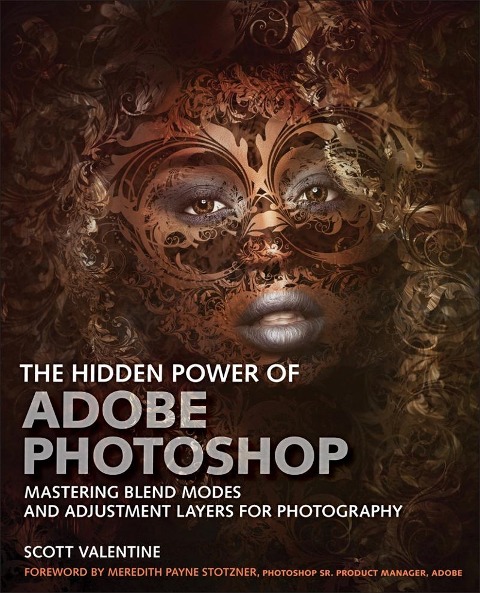
The Hidden Power of Adobe Photoshop for Photographers is about mastering your tools as a path towards mastering your art. Renowned Photoshop teacher Scott Valentine combines expert recipes and instructions with insightful technical and philosophical discussions that help you experiment and expand your knowledge, so you're no longer dependent on specific settings or cookbook-style presentations. Now revamped to focus specifically on digital photography, this edition contains dozens of hands-on examples and projects designed to give you an edge in technical, personal, and commercial projects - as well as indispensable advanced techniques for image enhancement and correction. Valentine offers expert insights and approaches for using blending modes and adjustment layers, and using special effects, compositing, and illustration techniques more creatively. If you crave deeper understanding, greater flexibility, and more effective workflows - and you don't just want to simulate someone else's work - this is the Photoshop guide you've been searching for.
Scott Valentine has spent 25+ years teaching and writing about Photoshop, and developed a unique approach and perspective that relies on his background in physics: mastery through experimentation. Sought by colleges, camera clubs, and national conferences, he has two goals for you: to smile, and to never let your tools get in the way of your art. He writes to help your creative spark grow into a flame, by breaking down common digital tools and techniques and reassembling them in unique new ways. He has been an invited speaker at ADIM and MAX, and writes a monthly column for Photoshop User Magazine. Learn more about him at scoxel.com.
Part 1: The Core Tools - Blending Modes and Adjustment Layers 1. Introduction to How Photoshop 'Sees' Your Image 2. Adjustment Layers 3. Blending Modes Part 2: Recipes Section 1: General Corrections Section 2: Targeted Corrections and Enhancements Section 3: Effects and Finishing Section 4: Project Examples Part 3: Reference Appendix: Suggested Plugins