Und dann auf "Zum Home-Bildschirm [+]".

Stöbern
genialokal zum Startbildschirm hinzufügen
Installieren Sie die genialokal App auf Ihrem Startbildschirm für einen schnellen Zugriff und eine komfortable Nutzung.
Installieren Sie die genialokal App auf Ihrem Startbildschirm für einen schnellen Zugriff und eine komfortable Nutzung.
Ihr gewünschter Artikel ist in 0 Buchhandlungen vorrätig - wählen Sie hier eine Buchhandlung in Ihrer Nähe aus:

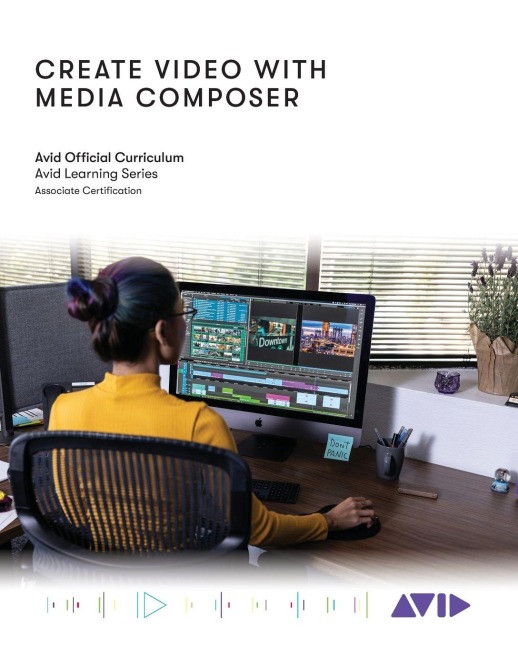
This book familiarizes users with techniques needed to complete an video project with Avid Media Composer | Artist.. Each Lesson and exercise will focus on a phase of the editing process, starting with organizing media, assembling a sequence, refining a sequence, creating titles and effects, and outputting your program so that others can view it.
Avid Technology
Lesson 1: Introduction and Setup Lesson 2: Opening, Playing, and Exiting Lesson 3: Setting Up Your Project Lesson 4: Ingesting Media Lesson 5: Getting Started Editing Lesson 6: Getting Deeper into the Edit Lesson 7: Segment Mode Tools Lesson 8: Trimming Clips and Keeping in Sync Lesson 9: All About Audio Lesson 10: Transitions and Titles Lesson 11: Efficient Editing Techniques Lesson 12: Exporting Lesson 13: Effects Lesson 14: The Narrative Rough Cut Lesson 15: Motion Effects and FluidMorph Lesson 16: Multiple Effects and Split Screens Lesson 17: Color Correction Lesson 18: Technical Fundamentals