Und dann auf "Zum Home-Bildschirm [+]".

Stöbern
genialokal zum Startbildschirm hinzufügen
Installieren Sie die genialokal App auf Ihrem Startbildschirm für einen schnellen Zugriff und eine komfortable Nutzung.
Installieren Sie die genialokal App auf Ihrem Startbildschirm für einen schnellen Zugriff und eine komfortable Nutzung.
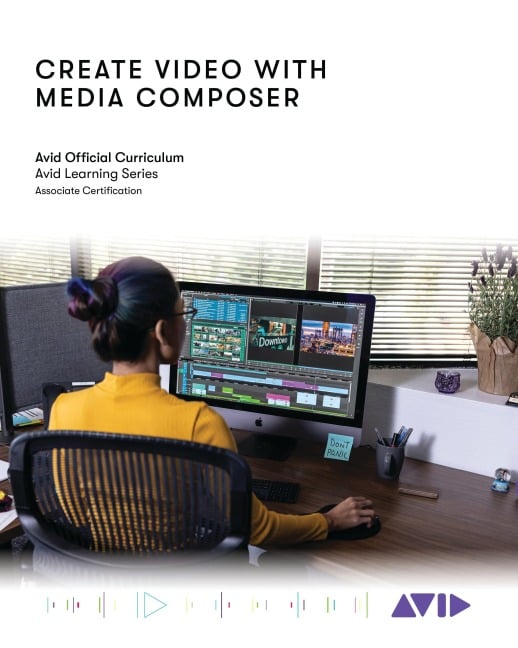
Create Video with Avid Media Composer introduces users to the power of Media Composer software and marks the first steps toward developing core skills in video editing. The book covers the basic principles you'll need to complete a film project using Media Composer, from initial setup to final output, and it is designed for those who are new to professional video editing and also for experienced editors who are unfamiliar with Media Composer software.
Each lesson and exercise will focus on a phase of the editing process, starting with organizing media, assembling a sequence, refining a sequence, creating titles and effects, and outputting your program so that others can view it. Although this book is not aimed at teaching the theory behind film and television production, the content provides some background on the craft of editing, making it appropriate for students and others new to the art.
For those interested in gaining official Avid certification, this book is also a valuable introduction for further learning and through the Avid Learning Series curriculum.
Lesson 1: Introduction and Setup
Lesson 2: Opening, Playing, and Exiting
Lesson 3: Setting Up Your Project
Lesson 4: Ingesting Media
Lesson 5: Getting Started Editing
Lesson 6: Getting Deeper into the Edit
Lesson 7: Segment Mode Tools
Lesson 8: Trimming Clips and Keeping in Sync
Lesson 9: All About Audio
Lesson 10: Transitions and Titles
Lesson 11: Efficient Editing Techniques
Lesson 12: Exporting
Lesson 13: Effects
Lesson 14: The Narrative Rough Cut
Lesson 15: Motion Effects and FluidMorph
Lesson 16: Multiple Effects and Split Screens
Lesson 17: Color Correction
Lesson 18: Technical Fundamentals
Dieses eBook wird im PDF-Format geliefert und ist mit einem Adobe Kopierschutz (DRM) versehen. Sie können dieses eBook mit allen Geräten lesen, die das PDF-Format und den Adobe Kopierschutz (DRM) unterstützen.
Zum Beispiel mit den folgenden Geräten:
• tolino Reader
Laden Sie das eBook direkt über den Reader-Shop auf dem tolino herunter oder übertragen Sie das eBook auf Ihren tolino mit einer kostenlosen Software wie beispielsweise Adobe Digital Editions.
• Sony Reader & andere eBook Reader
Laden Sie das eBook direkt über den Reader-Shop herunter oder übertragen Sie das eBook mit der kostenlosen Software Sony READER FOR PC/Mac oder Adobe Digital Editions auf ein Standard-Lesegeräte mit epub- und Adobe DRM-Unterstützung.
• Tablets & Smartphones
Möchten Sie dieses eBook auf Ihrem Smartphone oder Tablet lesen, finden Sie hier unsere kostenlose Lese-App für iPhone/iPad und Android Smartphone/Tablets.
• PC & Mac
Lesen Sie das eBook direkt nach dem Herunterladen mit einer kostenlosen Lesesoftware, beispielsweise Adobe Digital Editions, Sony READER FOR PC/Mac oder direkt über Ihre eBook-Bibliothek in Ihrem Konto unter „Meine eBooks“ - „online lesen“.
Schalten Sie das eBook mit Ihrer persönlichen Adobe ID auf bis zu sechs Geräten gleichzeitig frei.
Bitte beachten Sie, dass die Kindle-Geräte das Format nicht unterstützen und dieses eBook somit nicht auf Kindle-Geräten lesbar ist.