Und dann auf "Zum Home-Bildschirm [+]".

Stöbern
genialokal zum Startbildschirm hinzufügen
Installieren Sie die genialokal App auf Ihrem Startbildschirm für einen schnellen Zugriff und eine komfortable Nutzung.
Installieren Sie die genialokal App auf Ihrem Startbildschirm für einen schnellen Zugriff und eine komfortable Nutzung.
Ihr gewünschter Artikel ist in 0 Buchhandlungen vorrätig - wählen Sie hier eine Buchhandlung in Ihrer Nähe aus:

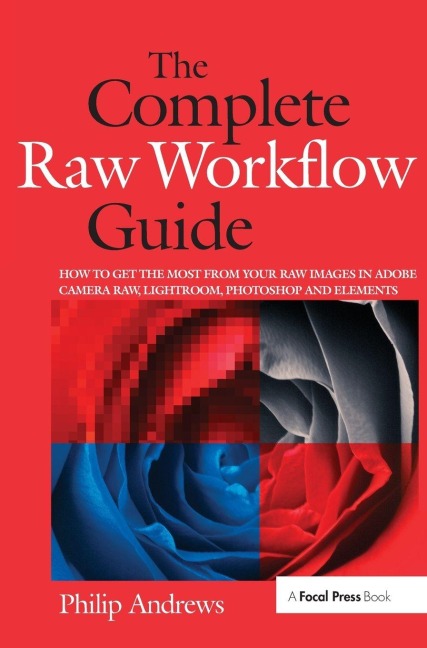
One of the important technologies a photographer can master is shooting and working with raw images. This book provides the information needed to know to create stunning images from raw files. It presents full-color photographs and screenshots that provide illustrations in an easy to follow format that shows exactly how to work with raw files.
Philip Andrews is Adobe Australia's official Photoshop and Elements Ambassador. He is an experienced photographer, author, magazine editor and online course creator. He was previously a lecturer at the Queensland School of Printing and Graphic Arts, Australia and Nescot, England. He is a beta tester for Photoshop, an alpha tester for Photoshop Elements and a Photoshop specialist demonstrator for Adobe Australia. Contributing numerous articles and videos to AdobeTV and the inspirational browser, Philip is a leading source in adobe information and instruction. Philip is also co-founder of photo-college.com an online photography training college. He's a regular contributor to several magazines including Shutterbug, Amateur Photographer, Australian Photography and Better Photography, he is senior contributing editor for Better Digital, columnist for What Digital Camera and Co-editor and publisher of Better Photoshop Techniques magazine.
Introduction; Section 1 - Raw Basics: Raw School 101; Establishing a Raw Workflow; Shooting in Raw; Downloading to Computer; Section 2 - Core Processing: Camera Based Converters; Raw with Photoshop Elements; ACR, Photoshop and Bridge; Photoshop Lightroom; Section 3 - Advanced Editing/Enhancing: Beyond ACR Basics; Lossless Image Enhancement; Raw Editing in Photoshop; Creative Raw; Section 4 - Managing Raw Files: Organizing Raw Assets; Protecting Raw files; Index